
Android IPTV boxes for hotels and hospitality networks
Guest-room television is no longer a “nice TV and a remote.” It is a managed media endpoint — and Android IPTV/OTT boxes succeed in hotels only when device standards, network design, and content roles are decided before the first room is wired.
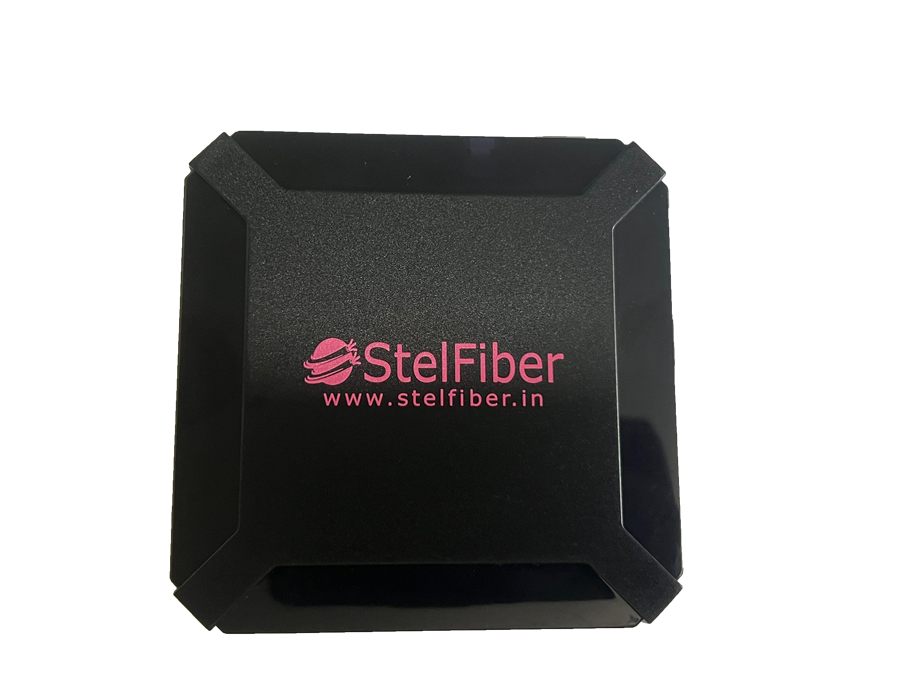
Indian hotels, resorts, and serviced apartments are upgrading in-room entertainment for the same reasons operators upgrade FTTH: guests expect on-demand content, branded welcome experiences, and fewer device failures. Many properties now evaluate Android-based IPTV/OTT boxes as the room endpoint — flexible enough for apps and portals, compact enough for tidy installs.
The properties that struggle buy consumer sticks, skip VLAN planning, and hope housekeeping can “fix the Wi-Fi.” The properties that succeed treat Android boxes as fleet devices.
Define the guest experience first
Before comparing RAM and storage, answer:
- Live TV / IPTV channels, OTT apps, or both?
- Branded hospitality portal or launcher requirements?
- Casting / BYOD expectations vs locked guest profile?
- Language packs and regional content priorities?
Those answers drive whether you need a simple 2+16 class box like the IPB216GD family, a richer media endpoint with front display (IPB432D-R class), or a hybrid with digital signage in lobbies.
Standardise the room SKU
Hospitality IT cannot support five different Android builds across floors. Choose one primary model for guest rooms, freeze firmware where possible, and keep a spare pool for same-day swaps. Document HDMI, power, and Ethernet placement so engineering and housekeeping share one install pattern.
Network design is guest experience
Android boxes are network clients with a public face. Plan:
- Wired Ethernet to the box whenever possible — Wi-Fi-only rooms create ticket storms
- Separate VLANs or ACLs for media vs guest Wi-Fi
- DNS and captive-portal behaviour that does not break launcher boot
- Bandwidth headroom for concurrent 4K / HD streams at peak occupancy
If the property already runs fiber access or campus switching upgrades, align the media VLAN with the same integrator who owns the rest of the stack.
Content and control roles
Clarify who publishes welcome screens, who owns channel line-ups, and who can push emergency messages. Android boxes without a content operating model become remote-control chaos. Pair room endpoints with clear CMS or IPTV middleware ownership — and train front-office teams on the two or three recovery steps that solve 80% of guest complaints.
Lobby screens are part of the same story
Many hospitality projects also need digital signage displays in lobbies, F&B, and spa areas. Keep room IPTV and public signage on related but intentional platforms: shared vendor relationships, shared spare strategy, different content workflows. StelFiber’s digital signage displays and Android media boxes are often specified together for that reason.
Procurement checklist
- One approved Android box SKU for rooms (+ spare ratio)
- 4K-capable HDMI path and tested TV compatibility list
- Wired network standard for each room type
- Firmware / image baseline and rollback plan
- Lobby / corridor signage scope if included in the same project
- Support SLA with your integrator and hardware partner
Explore IPB216GD, IPB432D-R, and SFADS43 digital signage displays — or contact StelFiber sales with your room count and content model for a practical bill of materials.